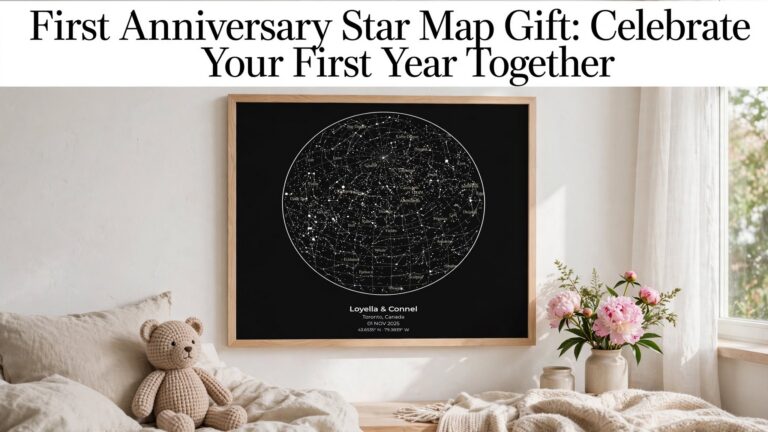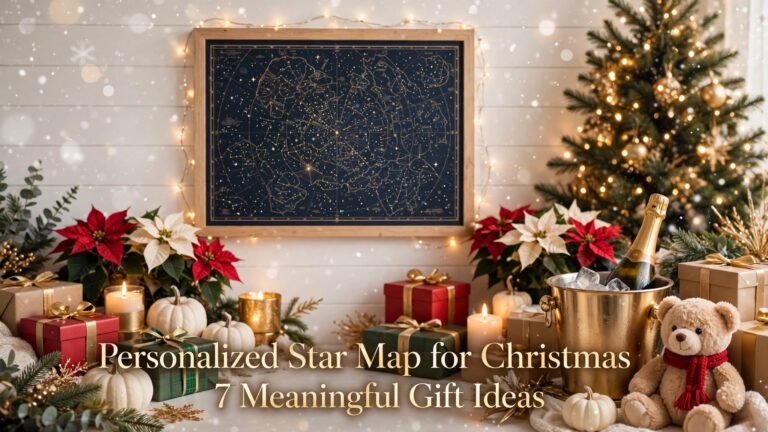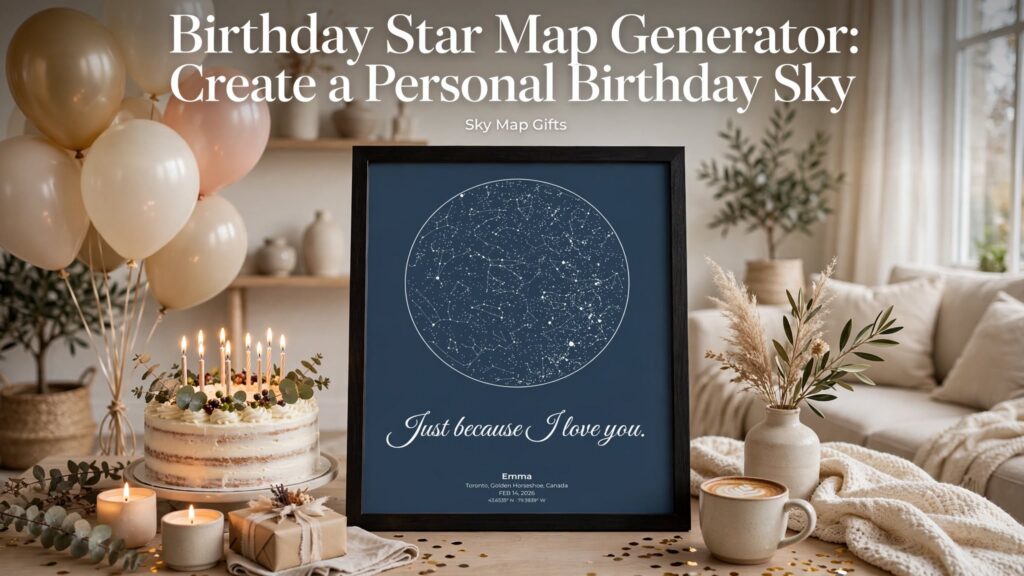
A birthday marks more than another year. It is a date connected to a person, a place, and a story. A birthday star map generator lets you turn those details into a personalized view of the night sky. Instead of choosing a generic greeting, you can create a keepsake that celebrates where someone’s story began. This guide explains how to choose the details, check the design, and prepare a digital star map for gifting.
What does a birthday star map show?
A birthday star map generator creates a design representing the sky for a selected date and location. For a birthday design, people commonly choose the recipient’s date of birth and birthplace. The resulting image is a visual reminder of that moment, not a photograph taken on the day. The exact appearance depends on the selected date, place, time settings, and the generator’s astronomical data and design options. It is worth checking the preview before ordering.
Step 1: Choose the birthday date carefully
Start with the correct calendar date, including the year. A milestone birthday might tempt you to use the celebration date, but the birth date usually tells a clearer story. If the gift is for someone whose birthday is close to midnight, confirm the local date with a family member if possible. You do not need to invent a precise birth time if you do not know it; follow the options and instructions shown in the generator.
Step 2: Enter a meaningful location
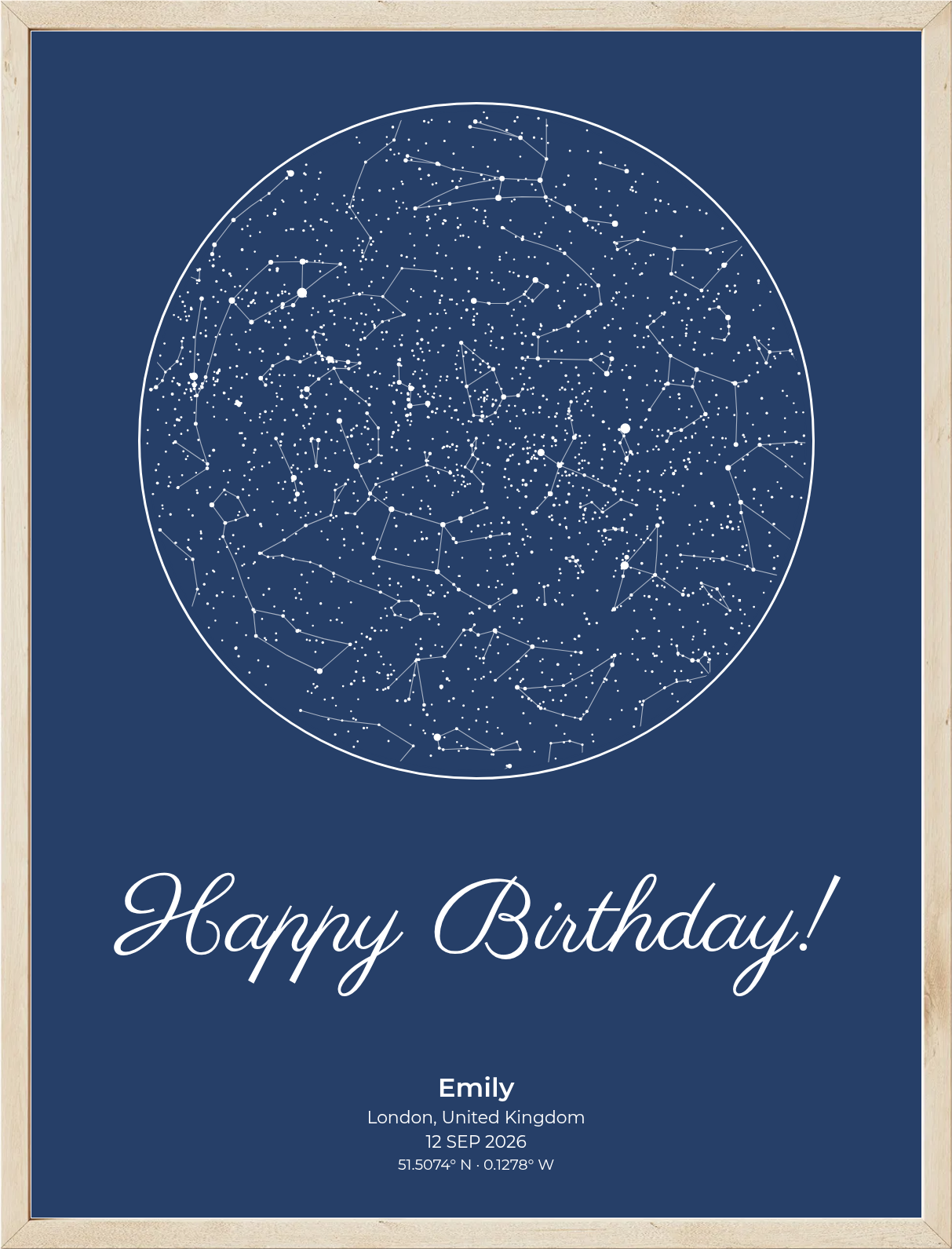
The birthplace is a natural choice for a birthday keepsake. Use the city and country rather than guessing coordinates. If you cannot confirm the birthplace, you might instead choose the city where the birthday celebration will happen, but explain that choice in the inscription. A birthday star map generator is most meaningful when the date and place reflect a moment you can describe honestly.
Step 3: Write a short personal message
A birthday star map generator becomes more meaningful when the message gives the design emotional context. Keep it short enough to read comfortably on the final print. For a partner, try “The day our favorite story began.” For a parent, “The world became brighter the day you arrived.” For a close friend, “So glad the universe brought you here.” If you prefer something simple, a name, birth date, and city can be enough. Avoid putting private details on a gift that may be shared publicly.
Step 4: Review the preview before checkout
Before using the birthday star map generator to finalize your design, check the spelling of the name, the date format, the location, and the line breaks. Look at how the star pattern sits alongside the typography. A beautiful preview is useful, but readability matters too, especially if you plan to print the PDF at a smaller size. Make any corrections before completing the order rather than assuming the recipient will not notice a typo.
Step 5: Download and prepare the digital PDF
The birthday star map generator leads to a digital keepsake: SkyMapGifts offers a digital PDF star map, not a physical poster shipped to your address. After the file is made available, save it somewhere you can find it again. You can print it yourself or use a local print service, then choose a frame that suits the recipient’s home. Check the available PDF sizes and the printer’s requirements before ordering a print. If you are giving the gift at a dinner or party, allow time for printing and framing.
Make the birthday gift feel more personal
Pair the finished map with a handwritten note about why you chose that particular date and location. You could also include a short memory: a family story from the year they were born, a favorite birthday tradition, or a reason you admire them today. The most effective personalization is specific and sincere; it does not need elaborate poetry or expensive packaging.
Where to create your birthday star map
Explore the personalized birthday star map product and visit the SkyMapGifts star map creator to see the available customization choices. If you want to learn more about the changing night sky itself, NASA’s introduction to stars provides accessible scientific background. The star map gift is about celebrating a meaningful moment, not claiming that a person’s future is determined by the stars.
Birthday star map generator FAQ
Do I need the exact birth time?
Use accurate details when you have them. If you do not know the birth time, check what the creator requires and how its preview handles the available information. Do not guess and present an uncertain time as a fact.
Is the star map mailed to me?
No physical print is included in the SkyMapGifts digital PDF product described here. Plan to download and print the file yourself or arrange printing locally.
Can I make a star map for a milestone birthday?
Yes. The idea works for an 18th, 21st, 30th, 50th, or any other birthday. Use the original birth date for a birth-sky keepsake, and mention the milestone in your message if you wish.
What if I want to give the gift today?
A downloadable design can remove shipping from the plan, but check the site’s current checkout and file availability before promising a specific delivery time. You may still need time to print or frame the gift.
Final checklist before you order
Before you finish, verify the date, location, spelling, message, and preview. Decide whether you will share the PDF digitally or print it. A birthday star map generator gives you a creative starting point; the thought you put into those choices is what makes the finished birthday gift memorable.